Skip to content
By Rob Arnold, Founder and CEO, Ascendea
Most people who build a multi-step AI agent end up with a straight line. Step one, step two, step three. Each one waiting for the last to finish before it starts.
Here is what almost nobody checks: half those steps never needed to wait. They just queue, one job at a time, until the system gets overwhelmed and the agent forgets what it was doing.
It was not slow because the AI model was weak. It was slow because you drew a line where the work was actually a web of tasks.
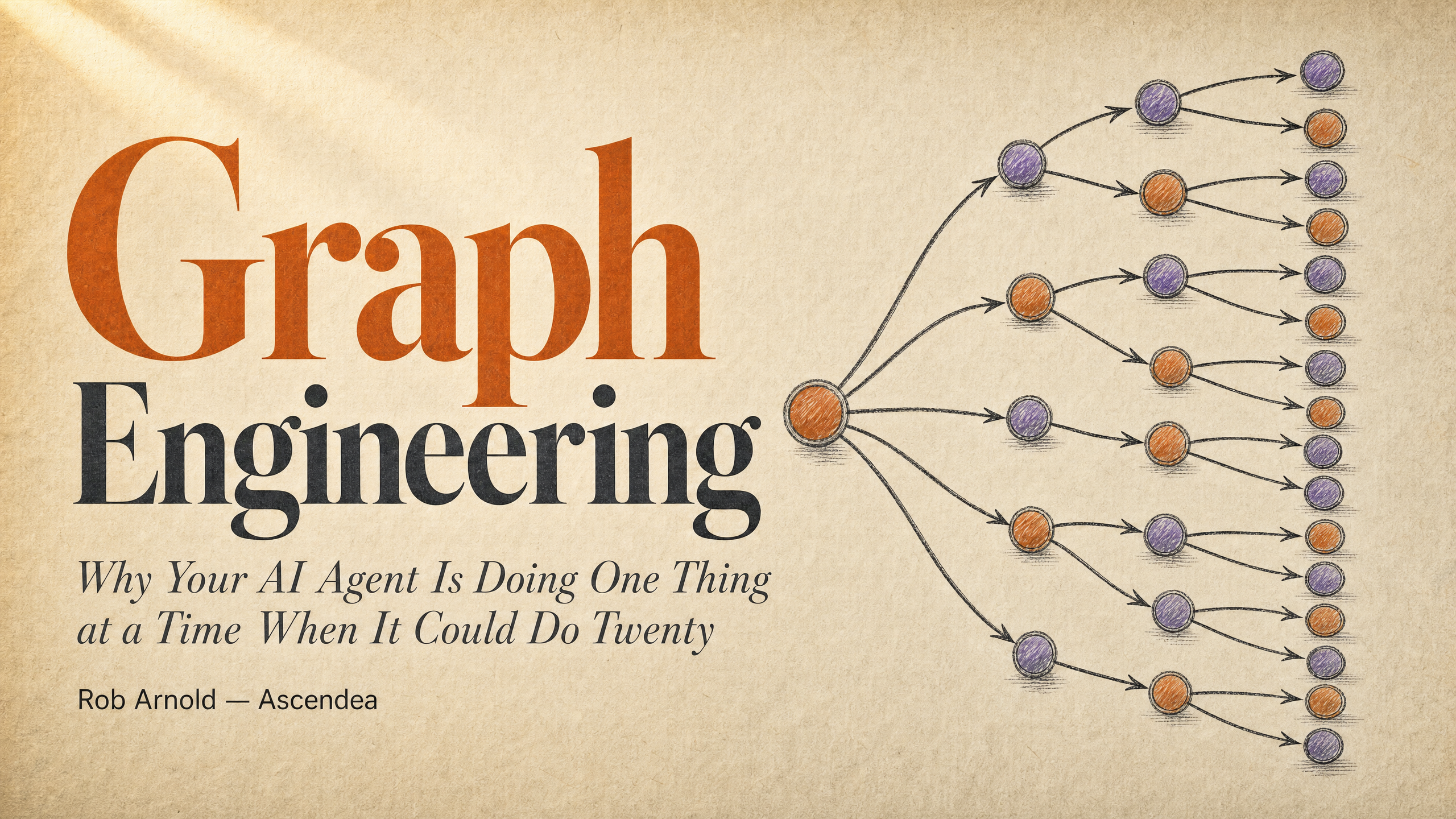
This guide takes you from that straight line to a web of tasks that fans out across a fleet of agents, checking its own work as it goes. By the end of this article, you will understand how AI automation for SMEs is moving away from simple linear scripts towards intelligent, parallel systems.
What Is Graph Engineering AI and Why Does It Matter?
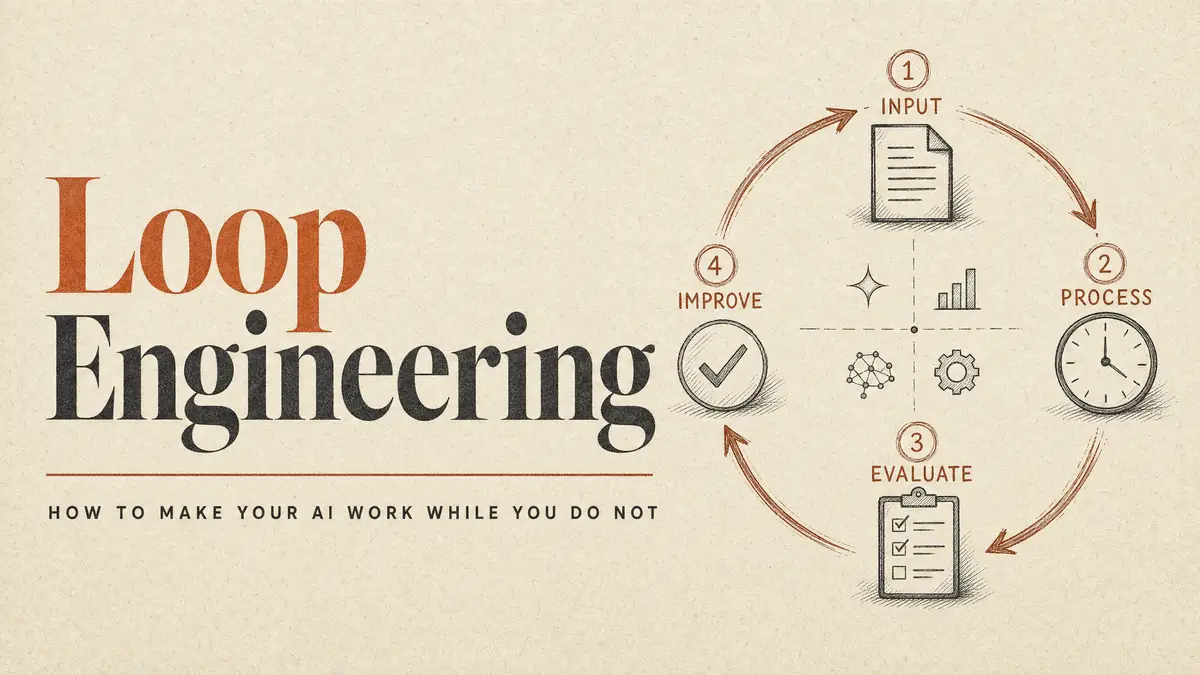
A month ago, the business world was talking about loops. A loop is one cycle of getting better: try something, check the result, adjust, go again. That is the atom: a single agent improving one thing on repeat.
But the single loop has a known failure. Imagine a support team that ties a feedback loop to one metric: ticket resolution rate. The number climbs for months while customer satisfaction drops. The bot learned to close tickets fast instead of solving them. A loop can only see its own metric. It cannot ask whether the target is right, or notice its own measurement drifting.
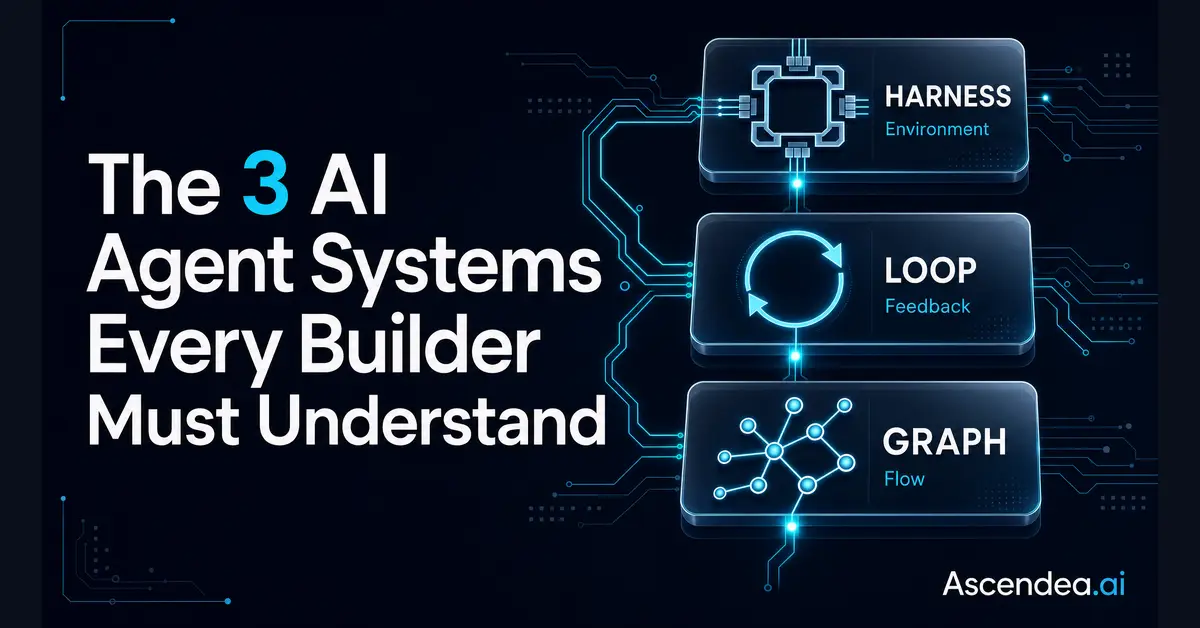
The answer is not a better loop. It is a web of loops—a network where cycles watch and correct each other. This is the core of graph engineering AI.
For AI agents for business, that means one thing: stop writing one agent that does everything in a line. Design the shape of the work. Decide what runs before what, what runs at the same time, and what waits.
Think of it like an assembly line versus a modern factory floor. In an assembly line, if station two stops, the whole line stops. In a modern factory, multiple stations work simultaneously on different parts, coming together only when necessary.
How Do You Identify Steps That Do Not Need to Wait?
A web of tasks has two parts. A “node” is one unit of work: one agent, one job, one input, one output. An “edge” is a dependency: this node’s output feeds that node’s input.
The mistake everyone makes is treating “and then” as a dependency. “Summarize this report and then tell me the weather.” The weather check does not read the summary. Those are two independent jobs a linear script chains for no reason. Each one waits on the last for nothing.
The habit that changes everything for AI efficiency for small business: for every “and then,” ask whether the next step actually reads the previous step’s output. If yes, it is a real dependency. Keep the order. If no, there is no dependency. The wait is wasted. Run them side by side.
Identifying Dependencies in Business Workflows
| Scenario | Question to Ask | Action to Take |
|---|---|---|
| “Summarize the meeting notes and then draft an email.” | Does the email draft need the meeting summary? | Yes. Keep the order. |
| “Check the stock levels and then update the CRM contacts.” | Does updating the CRM require the stock levels? | No. Run them at the same time. |
| “Transcribe the sales call and then analyse the competitor mentions.” | Does the competitor analysis need the transcription text? | Yes. Keep the order. |
| “Generate a blog post image and then research keywords for the title.” | Does keyword research rely on the generated image? | No. Run them at the same time. |
| “Review the legal contract and then send the invoice.” | Does the invoice amount depend on the contract review? | No. Run them at the same time (unless the contract dictates the fee). |
| “Pull the monthly revenue data and then draft the executive summary.” | Does the summary need the revenue figures? | Yes. Keep the order. |
The Cost of Running Tasks in a Line
When you build linear workflows instead of parallel AI workflows, you are paying a hidden tax: the cost of delay.
Let us quantify this. Imagine a standard daily administrative process for an SME that involves five distinct AI tasks:
- Fetching emails from the support inbox.
- Categorising the emails by urgency.
- Checking the inventory database for product queries.
- Pulling customer purchase history from the CRM.
- Drafting the initial response.
If each task takes an AI agent exactly 3 minutes to process, a linear workflow takes 15 minutes to complete one customer ticket. The customer waits, the system queues, and the context window for the AI stretches thin.
Now, apply graph engineering.
- Task 1 (Fetching) takes 3 minutes.
- Tasks 2, 3, and 4 (Categorising, Inventory Check, CRM Pull) do not depend on each other. They all depend on Task 1. Therefore, they run simultaneously. This takes 3 minutes total, not 9.
- Task 5 (Drafting) waits for the parallel tasks to finish. It takes 3 minutes.
Total time? 9 minutes instead of 15. You have just cut your processing time by 40% simply by changing the shape of the work. Multiply that by hundreds of tickets or processes a week, and the impact on AI efficiency for small business is massive.
What This Looks Like for Your Business
To make this concrete, let us look at four common SME scenarios and how parallel AI workflows transform them from slow, linear processes into highly efficient systems.
1. Client Onboarding
The Linear Way: You receive a signed proposal. The AI creates a client folder, then drafts a welcome email, then sets up the project in your task management tool, then researches the client’s industry for the kickoff meeting.
The Graph Way: The signed proposal acts as the trigger. Instantly, three agents fire off simultaneously:
- Agent A creates the folders and sets up the project management board.
- Agent B drafts the welcome email and sends it to your drafts folder.
- Agent C conducts industry research and compiles a brief for your kickoff meeting.
Everything is ready in a third of the time, providing a seamless experience for your new client.
2. Content Production
The Linear Way: An AI agent researches a topic, then writes a blog post, then generates a featured image, then drafts social media copy, then schedules the posts.
The Graph Way: You provide a topic.
- Agent A begins researching and writing the core article.
- Simultaneously, Agent B generates three options for a featured image based on the topic prompt.
- Once Agent A finishes the article, Agent C takes the text and drafts the social media copy.
The image generation did not need to wait for the article to be written.
3. Monthly Reporting
The Linear Way: At the end of the month, your AI pulls data from Google Analytics, then pulls data from your CRM, then pulls data from your accounting software, then merges it all into a single PDF report.
The Graph Way: The end-of-month trigger fires. Three separate agents query Google Analytics, the CRM, and the accounting software at the exact same time. A fourth “compiler” agent waits for all three data streams to arrive, merges them, and formats the final PDF.
4. Lead Follow-Up
The Linear Way: A prospect fills out a form on your website. The AI adds them to the CRM, then searches LinkedIn to enrich their profile, then drafts a personalised email, then creates a follow-up task for the sales team.
The Graph Way: The form submission is the trigger.
- Agent A adds the contact to the CRM and creates the follow-up task.
- Agent B simultaneously scrapes LinkedIn to enrich the profile data.
- Once Agent B finishes, Agent C uses the enriched data to draft a highly personalised email.
The Part That Actually Breaks
Two failures matter most when you start running multiple agents at once.
Failure One: The System Agrees with Itself.
When an agent checks its own work, it goes easy on itself. AI models prefer their own outputs. So, you put a verifier in place—a separate agent that confirms a finding before it moves forward. The catch: the verifier needs clean instructions. Hand it the same conversation the first agent had, and it is not verifying. It is just agreeing with itself in a different font.
Failure Two: Agents Stepping on Each Other.
When a development team first fanned a large project across many agents, the run failed. Agents used shared commands in one workspace and overwrote each other. The fix was structural, not clever prompting. They forbade the unsafe commands and gave each group its own isolated workspace.
Before you fan out your tasks, answer three questions:
- Where does each agent work?
- How do the results merge?
- What happens when two agents disagree?
The Anchors That Keep the System Honest
The system needs anchors: rules that cannot be argued with. Tests that actually ran. A verifier based on evidence, not feelings. Frozen rules the agents are never allowed to change.
When is a web of tasks the wrong choice?
- The task is small or isolated.
- You need tight oversight.
- You do not know what you are looking for yet.
- The steps genuinely depend on each other.
The shift is simple. A beginner asks a question. A professional designs a system. The linear agent was never the ceiling. It was just the first shape. Once you see the individual tasks and how they connect, you stop asking the agent to do more and start asking the system to do it wider.
Frequently Asked Questions (FAQ)
What are AI agents for business?
AI agents are autonomous software programs that use artificial intelligence to perform specific tasks, make decisions, and interact with other systems on behalf of a business, such as handling customer support or processing data.
How do parallel AI workflows improve efficiency?
Parallel AI workflows allow multiple independent tasks to be processed simultaneously rather than sequentially. This drastically reduces the total time required to complete complex business processes, eliminating bottlenecks.
Do I need to be a developer to use graph engineering AI?
No. While developers build the underlying infrastructure, business owners can apply the principles of graph engineering by using modern, no-code automation platforms to map out and delegate tasks to different AI agents simultaneously.
What is the difference between a linear AI workflow and a graph AI workflow?
A linear workflow processes tasks one after the other (Step A, then Step B, then Step C). A graph workflow identifies which tasks do not depend on each other and runs them at the same time, merging the results only when necessary.
Ready to Upgrade Your AI Strategy?
If your business is relying on slow, linear automation, you are leaving time and money on the table. Moving to a system of parallel AI workflows requires strategic design, not just better prompts.
If you want help designing intelligent, parallel AI workflows for your business, book a free strategy call at ascendea.ai. Let us build a system that works as hard as you do.